LMS classes in the TMaRS system are instances of self-guided classes: structured learning experiences that participants can complete independently, at their own pace, without requiring a scheduled session or instructor-led delivery.
Self-guided classes are well suited for compliance training, onboarding content, recurring certification requirements, or any topic where asynchronous delivery is appropriate. Because the course content itself lives in Canvas, edits to course materials are made there rather than in TMaRS. TMaRS handles enrollment tracking, participant communication, and reporting for these classes.
Accessing the LMS Interface
To navigate to the LMS Interface:
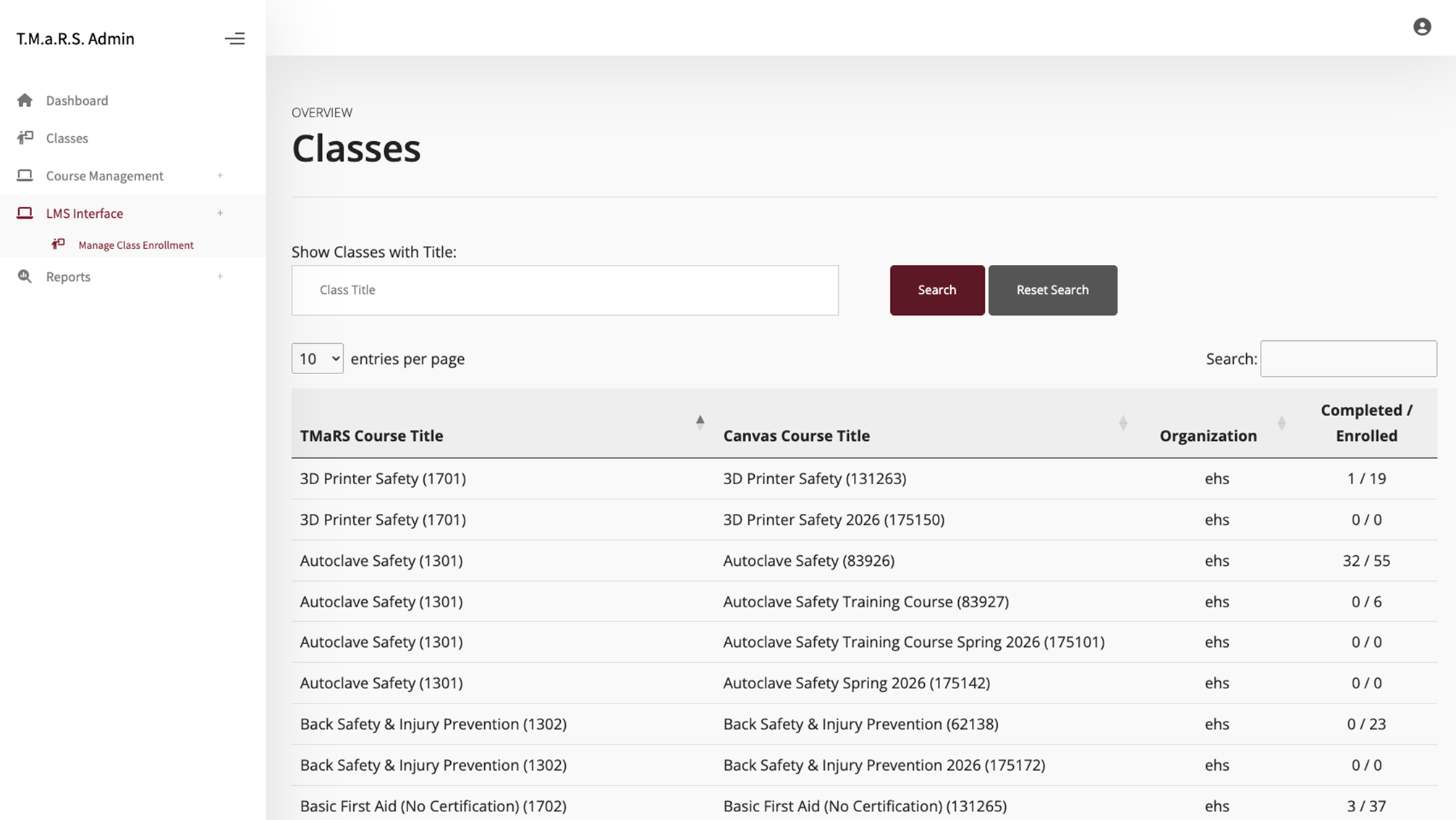
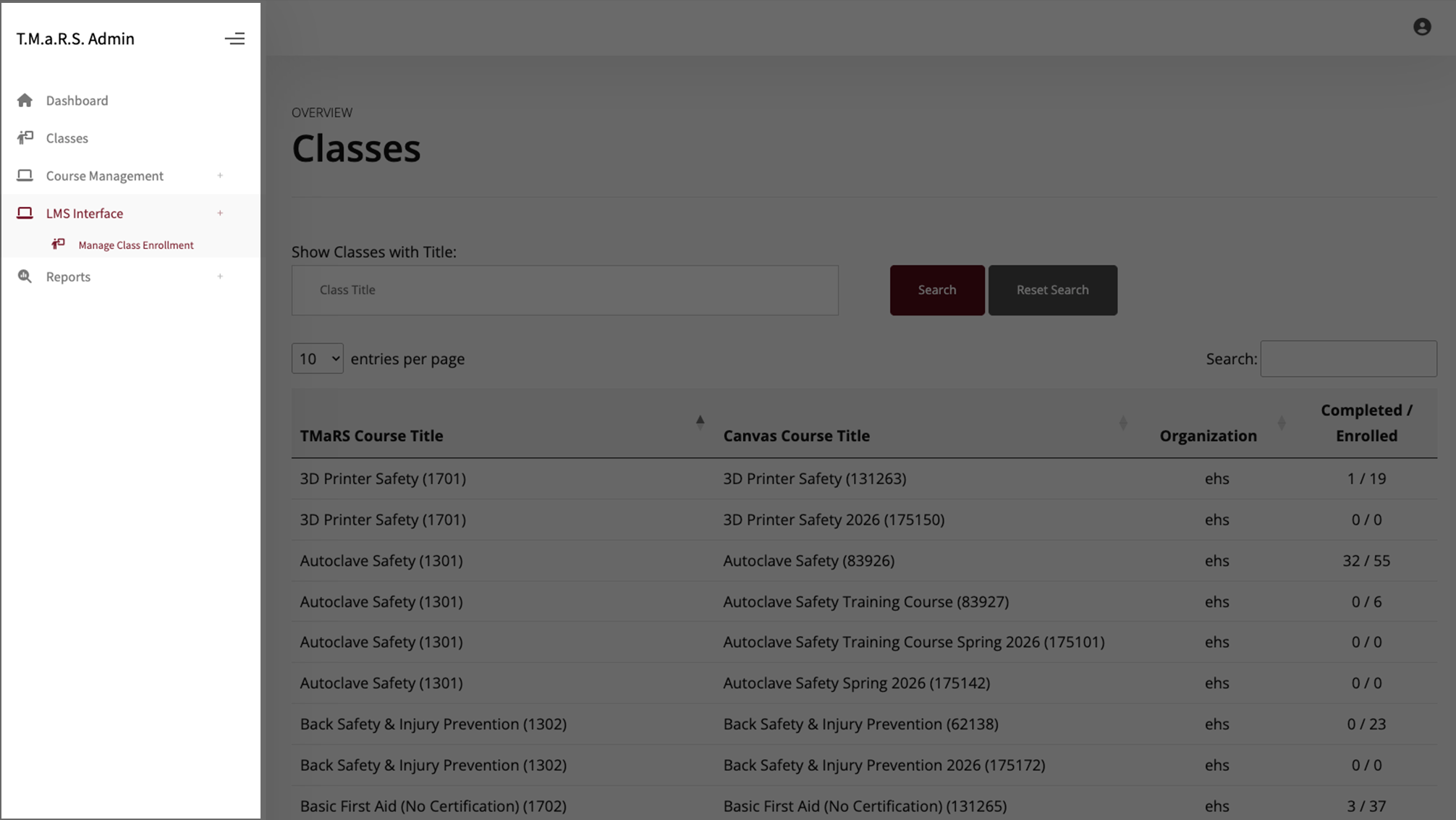
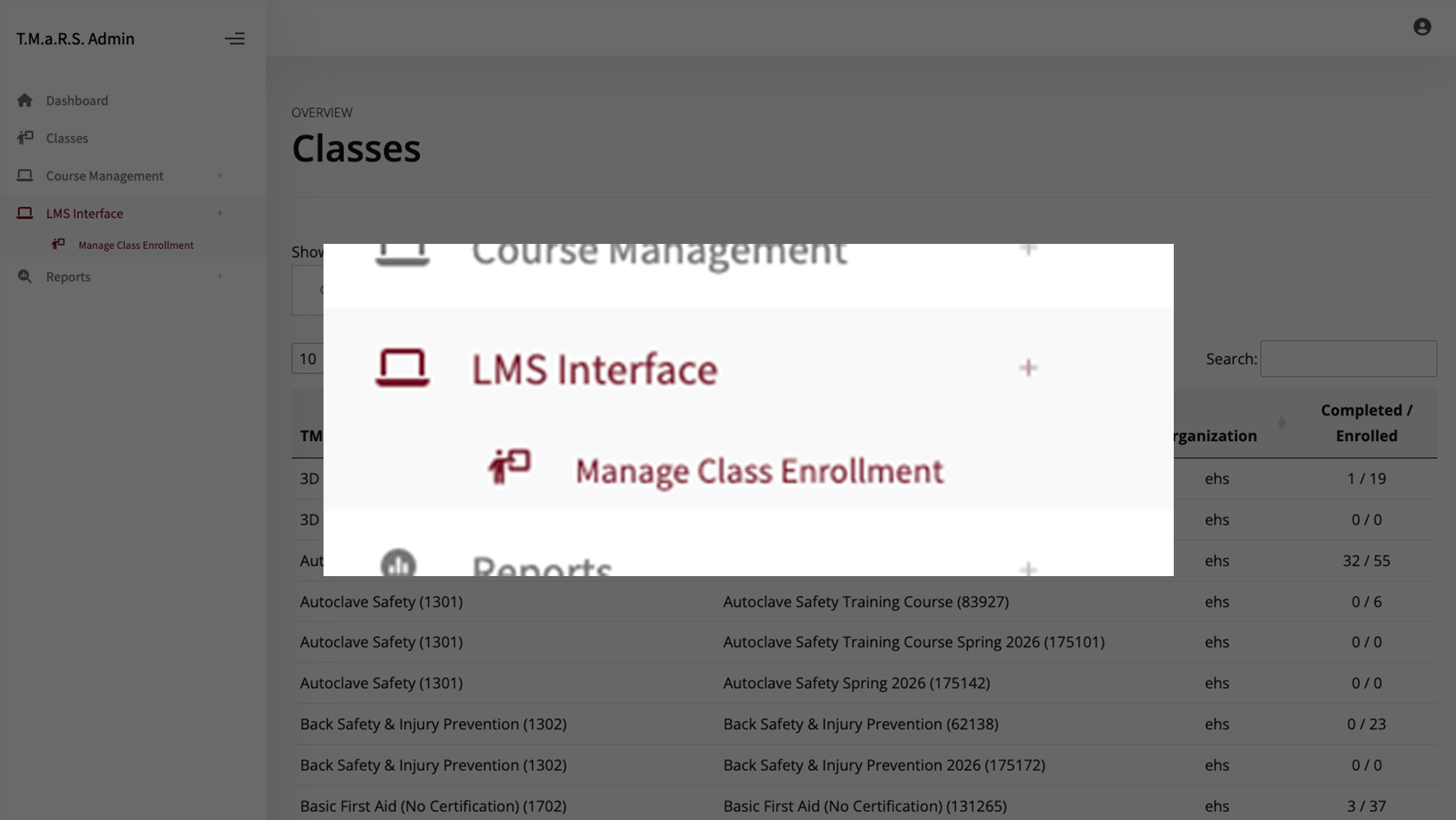
From the TMaRS Admin navigation menu, click LMS Interface.
Click Manage Class Enrollment.
From there you will see the TMaRS Course Title, the corresponding Canvas Course Title, the organization the self-guided class belongs to, and the number of Completed and Enrolled participants.
Click any row in the table to open the class view page for that self-guided class.
Managing LMS Classes
From a class view page, you can perform common class management actions, including emailing participants and adding people to the class. These features work the same way as they do in the standard TMaRS Classes section.
For detailed instructions on these features, refer to the Managing Classes Guide, which covers:
Email — Send a message to enrolled participants or specific groups within a class.
Add People — Enroll individuals or groups into the self-guided class.
The class view page also provides tools for reviewing and exporting enrollment data. These features mirror what is available in the standard TMaRS Classes section.
For detailed instructions on these features, refer to the Managing Enrollments Guide, which covers:
View Enrollments — See a full list of participants enrolled in the class, along with their completion status.
Enrollment PDF — Generate and download a printable PDF report of enrollment and completion data for the class.
Course content and settings for self-guided classes are managed in Canvas, not in TMaRS. If you need to update course materials, due dates, or module structure, those changes should be made directly in the Canvas course.